
Layout

Layout organizes content and controls space and overlapping surfaces.

Cards & Content

Information Card

Group related information and actions around one topic.

What's new
Catch up on this week's updates.

Image Card

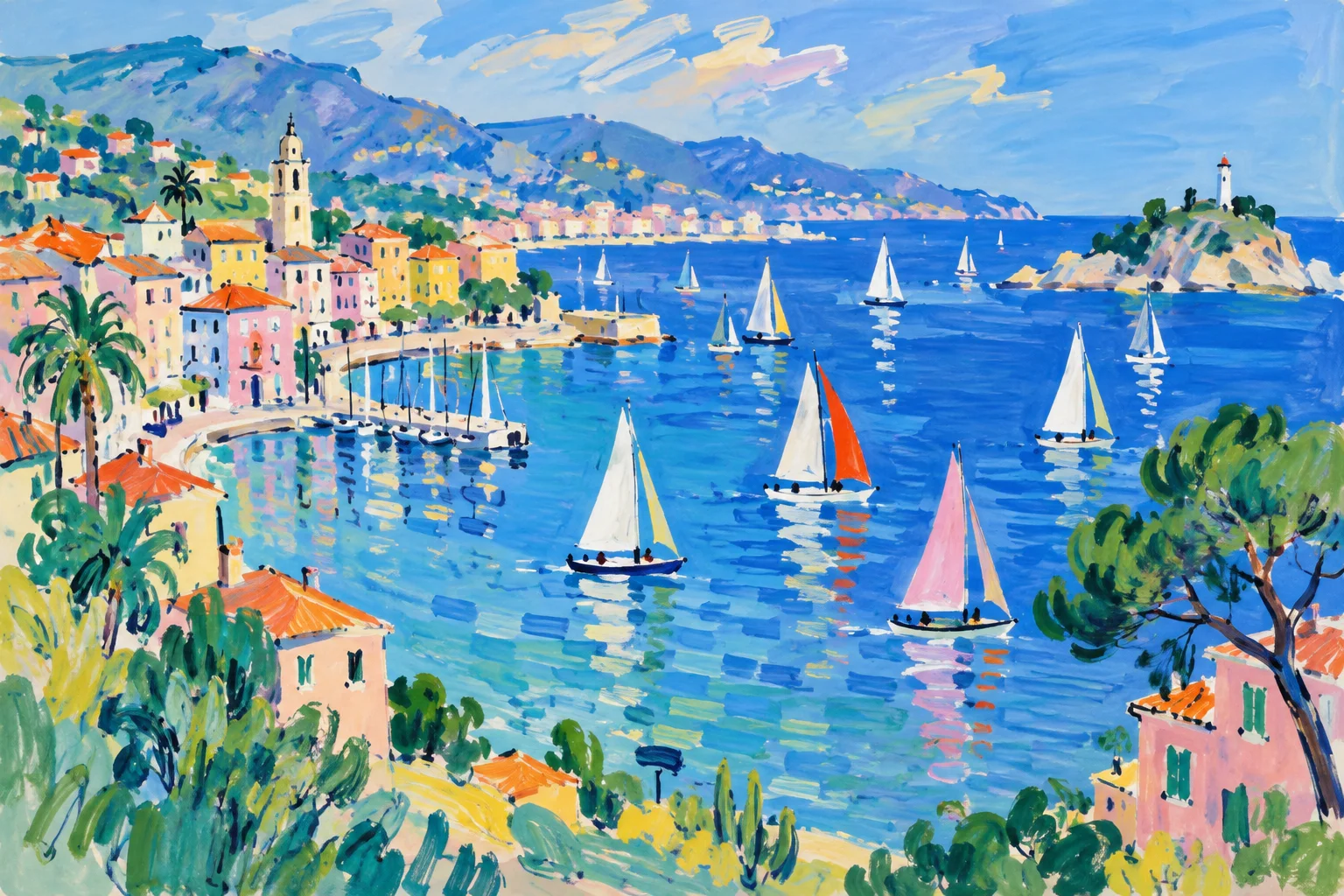
Place a title and tag over a full-background image.

A painting of a coastal village and sailboats

A quiet moment

List

Arrange related items in a vertical list.

  • Projects
  • Team
  • Bookmarks
  • Notifications
  • Profile
  • Settings

Grid

Arrange content in consistent columns with even spacing.

  • Projects
  • Team
  • Bookmarks
  • Notifications
  • Profile
  • Settings

Image Galleries

Image Grid

Arrange images in a uniform grid with consistent tile sizes.

Masonry Grid

Arrange original or cropped image ratios in a Pinterest-style column layout.

Expansion

Unfolding expansion

Expand details in the document flow, pushing following content down. Use for accordions or additional form fields.

Content

Push expansion

A panel takes layout space and resizes the main content. Show navigation or supporting tasks without covering the page.

Panel
Content

Proportional expansion

Content grows or shrinks with the browser window while preserving its aspect ratio.

Floating & Overlays

Popover

Open contextual information beside a trigger.

Modal

Handle a focused editing task on the current page.

Current name: Compass

Bottom sheet

Open supporting tasks or choices from the bottom of the screen.

Recommended

Side Panel

Show details and supporting tasks beside the page.

Toast

Briefly announce the result of an action.

Floating card

Ask for a decision alongside the current task without blocking it.